
How do I redeem my loyalty points for my Subscription orders?Updated 6 days ago
If you have an existing subscription, Rx Insider loyalty points can be redeemed and applied to upcoming orders.
Sign in to your account and go to the Rewards page. Scroll down to the section on REDEEM REWARDS and click "redeem".
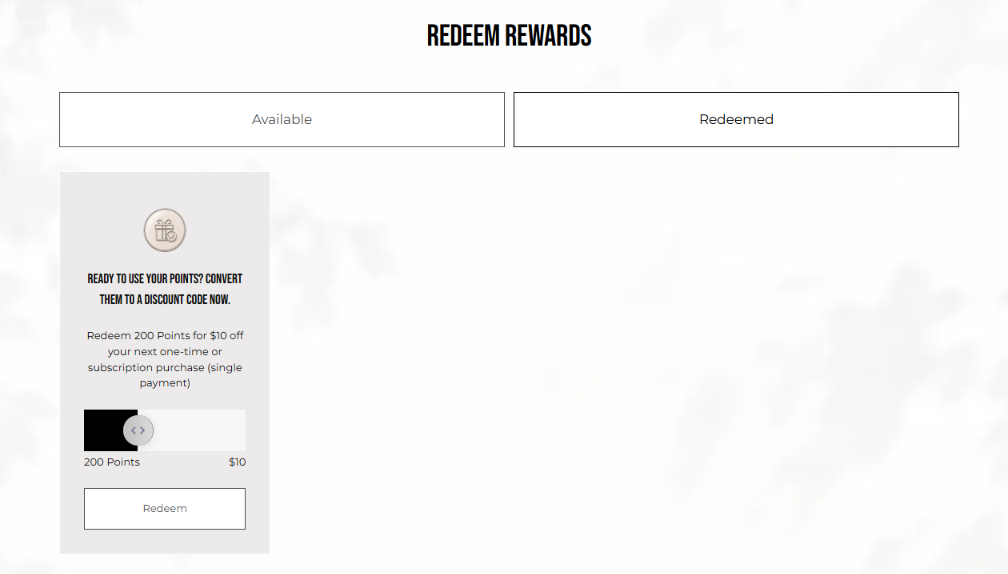
Follow the directions and answer questions to determine your reward. Points are immediately deducted from your account, and a discount code is displayed. Copy this code.
Navigate to the Subscriptions tab within your account.
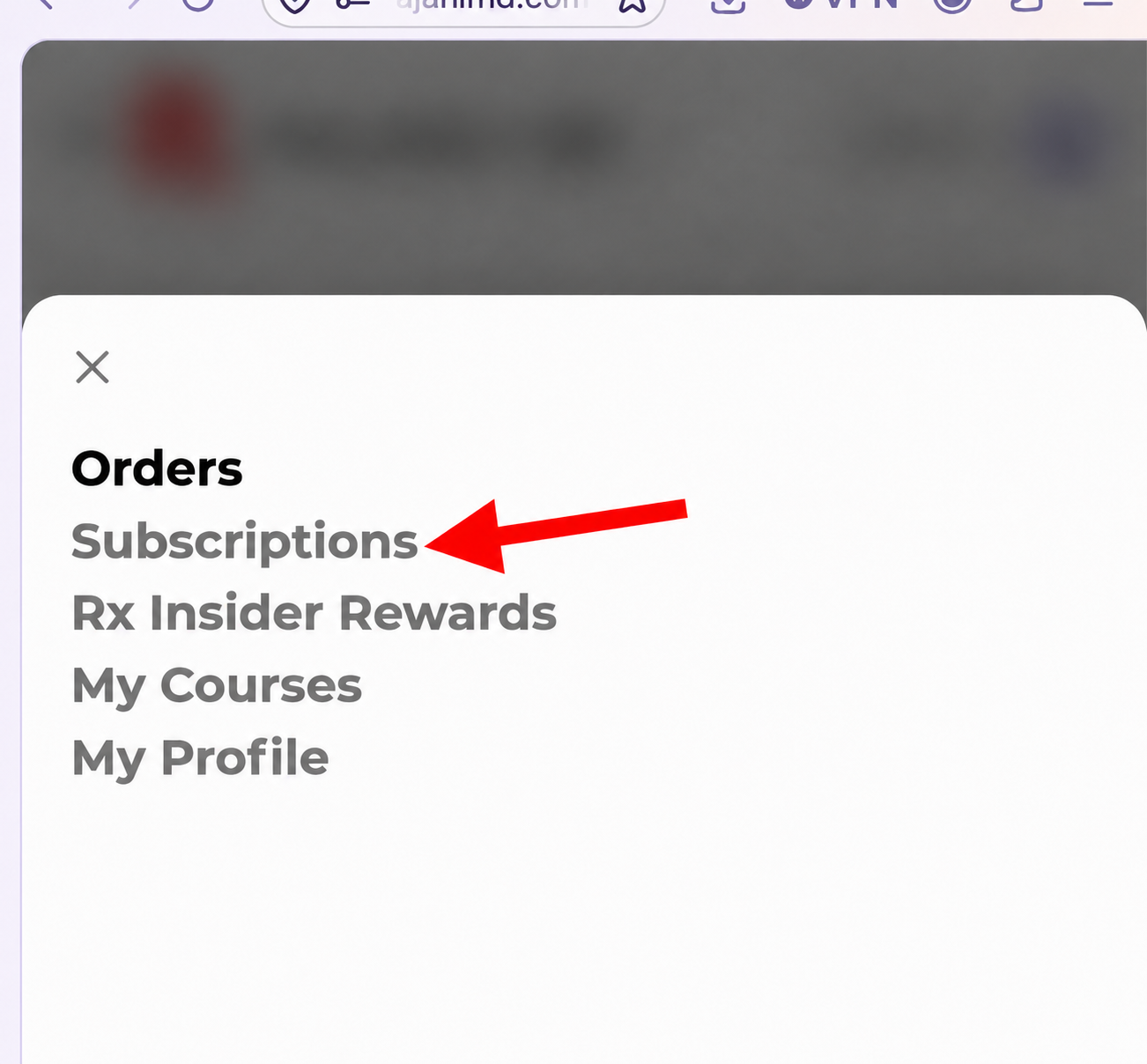
Choose the subscription you wish to add the reward to, scroll down to select "Add discount," and paste the code. The page will refresh, showing that the code has been added, and it will automatically apply on the date the subscription renews.