
How do I manage my subscriptions?Updated 6 days ago
You can access your subscription management portal by logging into your account here.
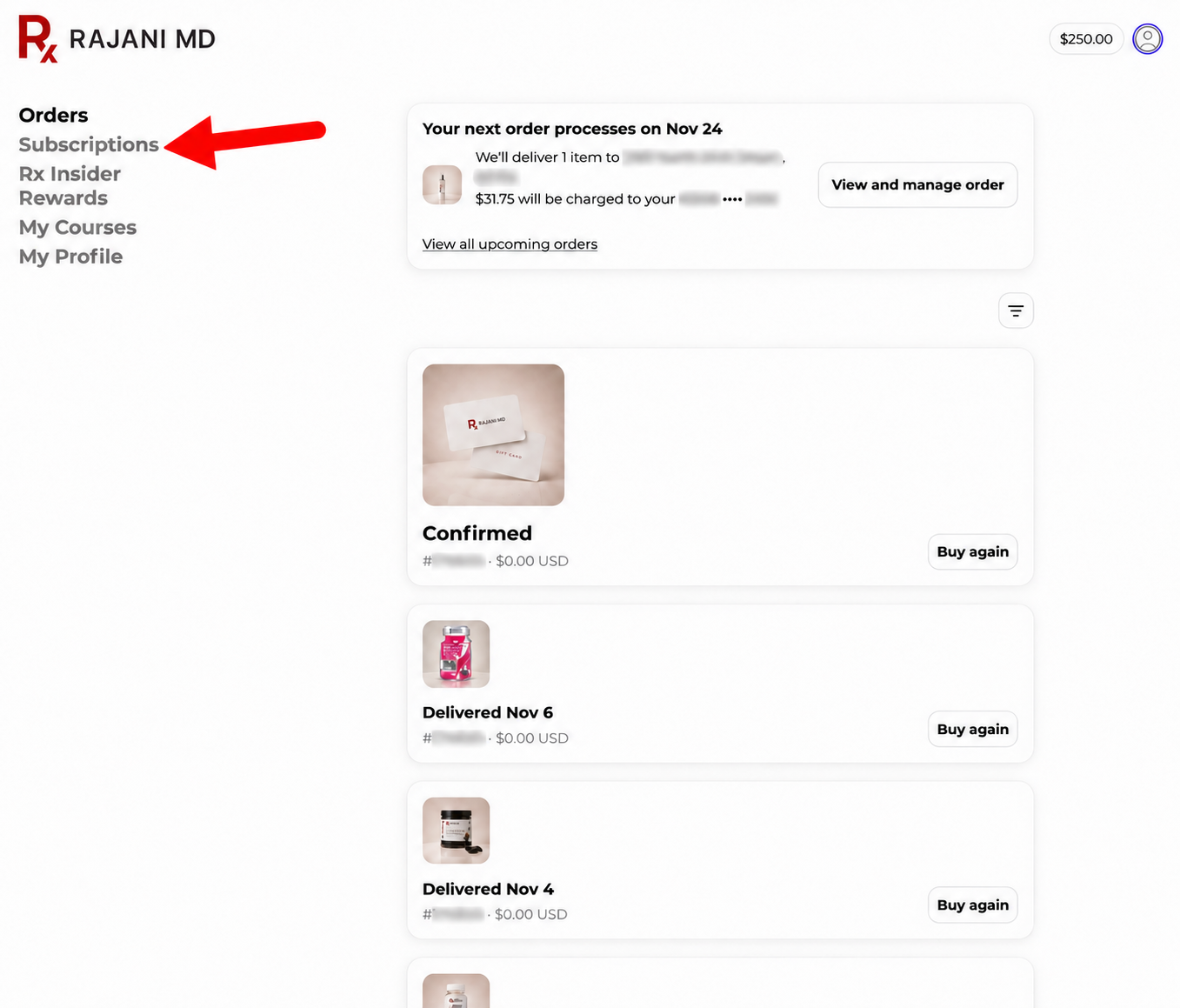
Then, select the subscriptions tab:
Desktop:
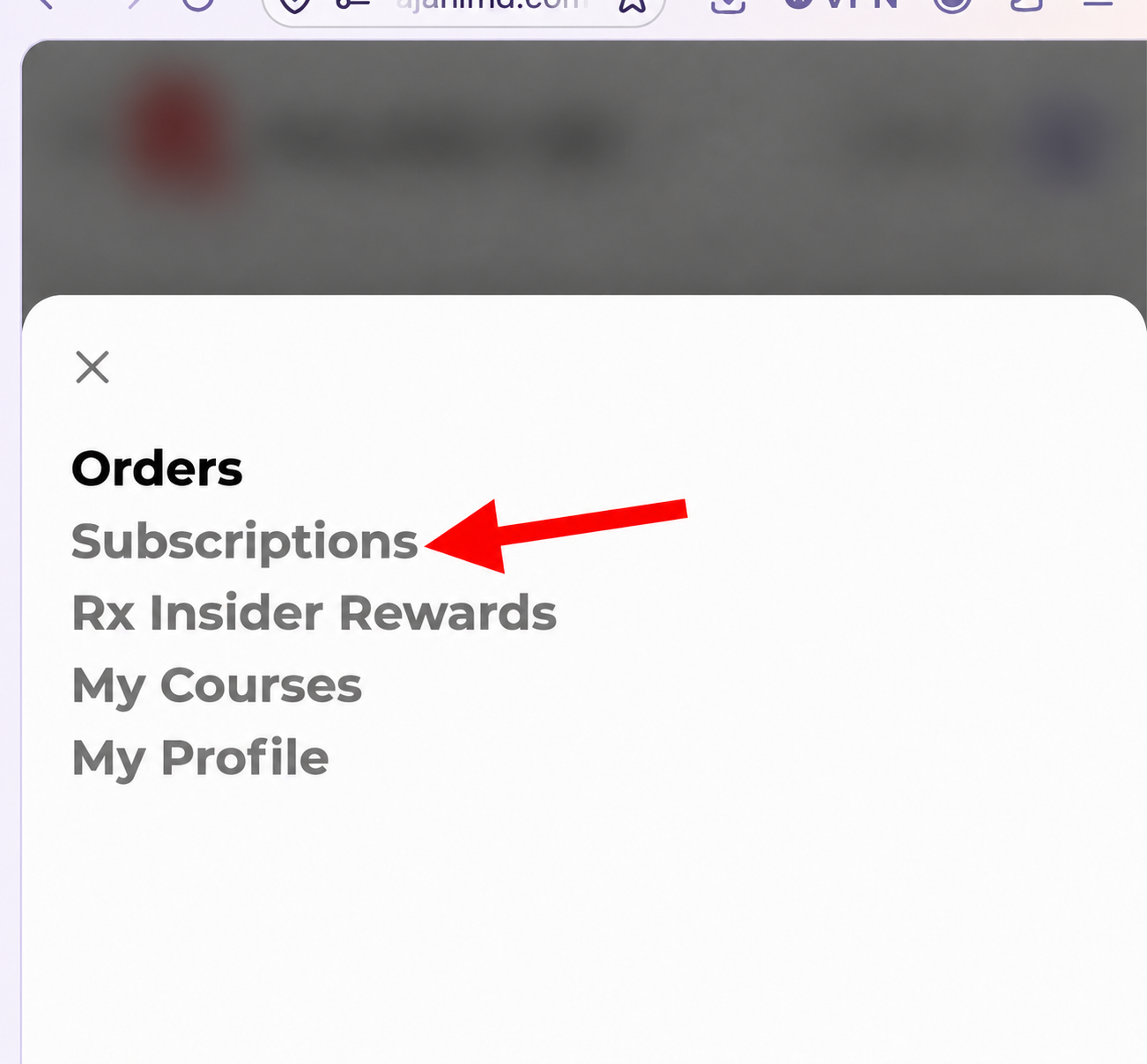
Mobile: Click the menu dropdown at the top left of the page first to expand the Account menu, then click Subscriptions..
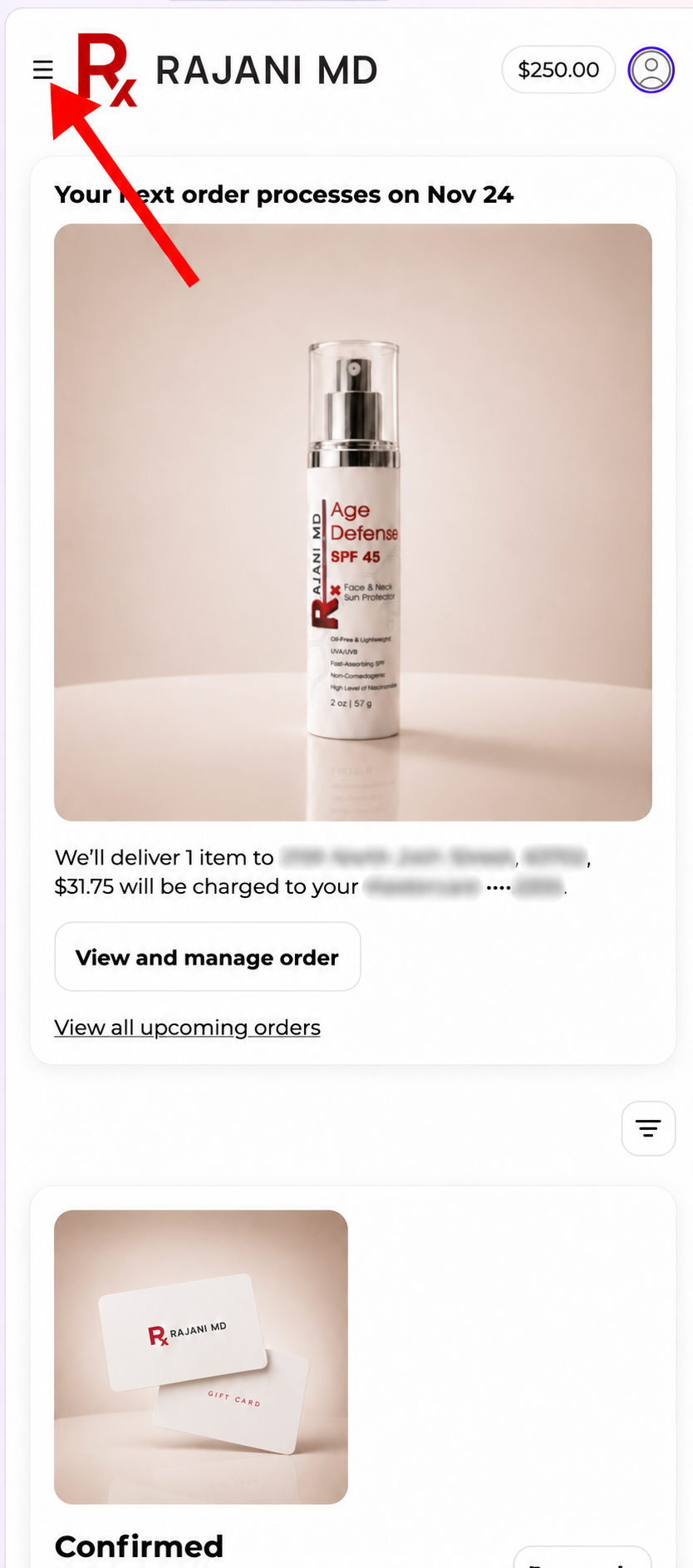
From here, you can view your upcoming and previous orders, update your address and payment details, pause, cancel, or skip your next order.